Singapore Enterprises Use IDP to Speed Up Workflows by 80%: How?
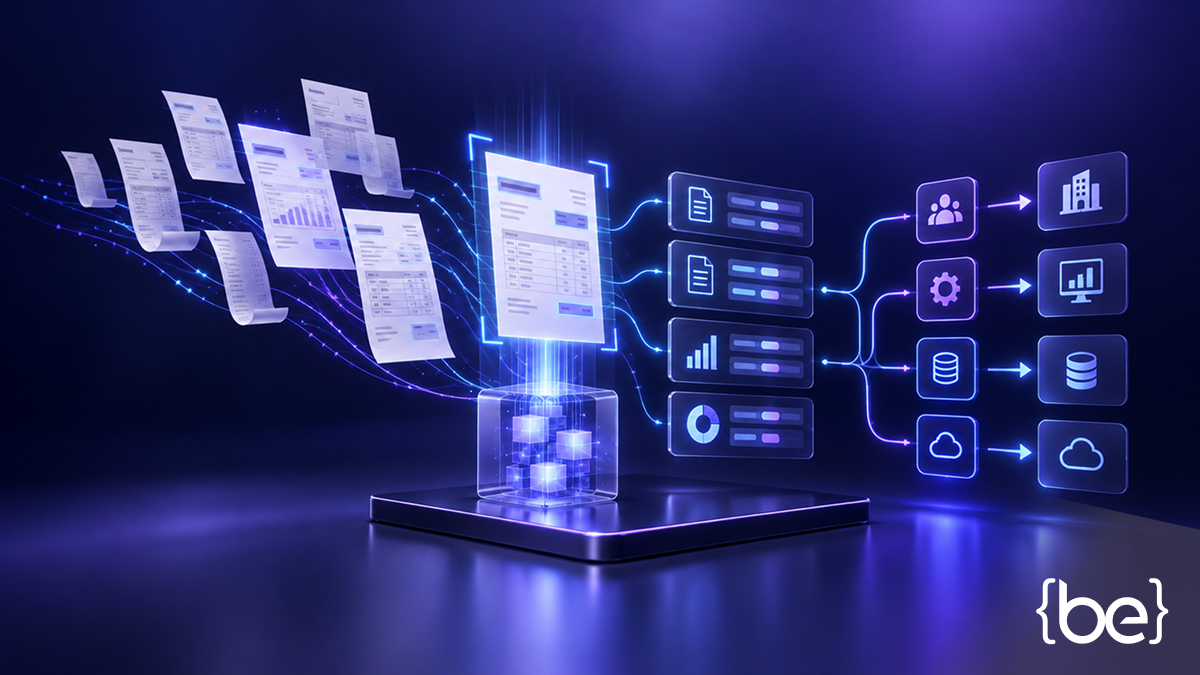
Typing data in by hand, dealing with documents that never share the same format, and waiting for someone to double-check a number before anything can be approved. These small headaches slow down many Singapore companies every day, especially in finance, logistics, and HR. Enterprise AI solutions such as intelligent document processing (IDP) read documents, make sense of them, and route the results into business systems with far less manual handling.
What Is Intelligent Document Processing
Intelligent document processing reads, classifies and extracts information from documents, then validates it before it ever reaches a business system. It's often confused with Optical Character Recognition (OCR), though the two differ.
OCR is the simpler technology that works behind the scenes: it reads text from a scanned image or PDF and turns it into machine-readable characters, without understanding what any of it means. IDP goes further, adding classification (working out what kind of document this is), extraction (pulling specific fields, like an invoice number or amount) and validation (checking the extracted data against rules or existing records).
How Does Intelligent Document Processing Work?
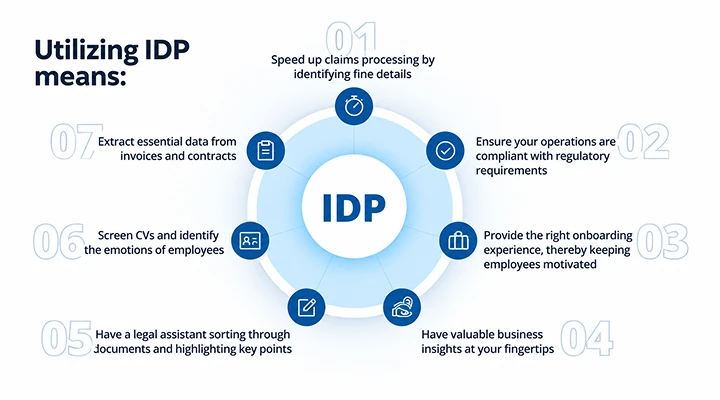
A supplier invoice makes a useful running example:
- Receive the document: It arrives by email, scan or upload, in whatever format the supplier happens to use.
- Classify it: The system works out this is an invoice, not a purchase order or delivery note.
- Extract the information: Fields such as the invoice number, supplier name, line items and total amount get pulled out automatically.
- Validate the data: Those figures are checked against purchase orders, contracts or existing records.
- Route exceptions for review: Anything that doesn't match gets flagged for a staff member, rather than waved through.
- Send approved data into business systems: Once it's validated, the invoice flows into the accounting or ERP system and is ready for payment processing.
The same sequence holds, with some variation, for other document types moving through finance, logistics and HR.
How IDP Improves Enterprise Workflows
Reduce Manual Data Entry
Manually entering the same data again from invoices, delivery notes or HR forms wastes time, and that's where most errors happen. IDP pulls the relevant fields straight from the source document instead, cutting down on how much staff need to type by hand. In a finance team, that might simply mean invoice details land in the accounting system on their own, leaving people free to focus on exceptions and trickier queries.
Improve Document Routing and Validation
Once a document is classified, IDP can send it to the right workflow on its own: a delivery note to warehouse systems, an HR leave form to whoever needs to sign off on it. Validation rules catch problems early too: a mismatched quantity on a delivery note, say, or a missing signature on an HR form, so issues are caught up front, not after approvals are done and the damage is already there.
Connect Information With Existing Systems
None of this matters much if the data doesn't reach the systems that depend on it. IDP typically connects to ERP, accounting or HR platforms through available interfaces, so approved information updates records without anyone re-typing it. When an enterprise's existing systems need deeper integration work than that, it's usually a job for dedicated system development and support rather than something IDP handles on its own.
What Singapore Enterprises Should Consider Before Implementation
Before implementing IDP, it's worth weighing a few practical factors:
- Document quality: Scanned or poorly formatted documents drag down extraction accuracy, so source quality matters.
- Integration: IDP needs to connect to existing ERP, accounting or HR systems through available interfaces.
- Data protection: Document workflows often touch personal data, so processing needs to align with Singapore's Personal Data Protection Act (PDPA), which covers personal data in both electronic and non-electronic form.
- Human review: Uncertain outputs and exceptions will usually still need a person to check them, depending on how much risk the workflow can tolerate.
- Ongoing technical ownership: Document types and business rules change over time, and someone needs to own adjusting the system for that; an offshore development centre can supplement that capacity if it's thin in-house.
A small pilot, measured against processing time, accuracy and how much manual review it still needs, is a sensible way to test IDP before committing to a wider rollout.
Common Questions About IDP
Can IDP integrate with existing ERP or accounting systems?
Usually, yes, though it depends on the interfaces available, the enterprise's data requirements and the scope of the implementation.
Does intelligent document processing still require human review?
In most cases, yes. Uncertain outputs and exceptions tend to need a staff member's eyes on them, depending on how much risk the workflow can absorb.
How long does an IDP implementation typically take?
It depends on document complexity and how many systems are involved. A focused pilot on one document type is quicker to run than an enterprise-wide rollout.
What types of documents can IDP process?
A fair range of structured and semi-structured documents, invoices, purchase orders, delivery notes and HR forms among them, as long as the system has been configured to recognise that type.
Is IDP only worthwhile for large enterprises?
Not really. Mid-sized Singapore enterprises with document-heavy workflows often get value from it too, typically by starting with one high-volume document type rather than everything at once.
Explore IDP for Your Enterprise
If manual document handling is slowing your operations down, it's worth a conversation about where intelligent document processing could fit. BeyondEdge, an enterprise AI solution provider in Singapore, works with enterprise teams to map document-heavy processes and find a practical place to start.
Source List
- Appian: IDP vs. OCR - The Guide to Intelligent Document Processing and Document Automation - supports the OCR-reads-text vs IDP-adds-classification/extraction/validation distinction used in the 'What Is Intelligent Document Processing' section.
- Personal Data Protection Commission Singapore: Personal Data Protection Act overview - supports the statement that the PDPA applies to personal data in both electronic and non-electronic formats, used in the implementation-considerations section.
More insights
How The Next Evolution Of ODC Models Leverages AI To Redefine Engineering Scalability
For years, Offshore Development Centres (ODCs) have helped businesses access global talent and scale technology capabilities without building large in-house teams.
Read more
The Hidden Trap Of Scaling Your ODC Without AI Powered Operational Efficiency
Scaling software delivery is traditionally viewed through a linear lens: when the roadmap expands, the team must expand with it.
Read more
How ODC Models Are Solving the Scalability Limits of Traditional In-House Engineering
As technology becomes central to business competitiveness, companies face a fundamental structural decision: Should engineering capability be built entirely in-house, or expanded through an Offshore…
Read more